 MOVEGO
 Free
Everything you need to try it
- 1 free energy every day, refilled at 00:00 UTC
- Each run uses 1 energy
- Earn more energy with coins and invites
- Guided practice for every move

MOVEGO · Cardio games for iPhone
Prop up your iPhone, step back and play. Jump, duck, step and punch your way down the street. No controller, no wearable.
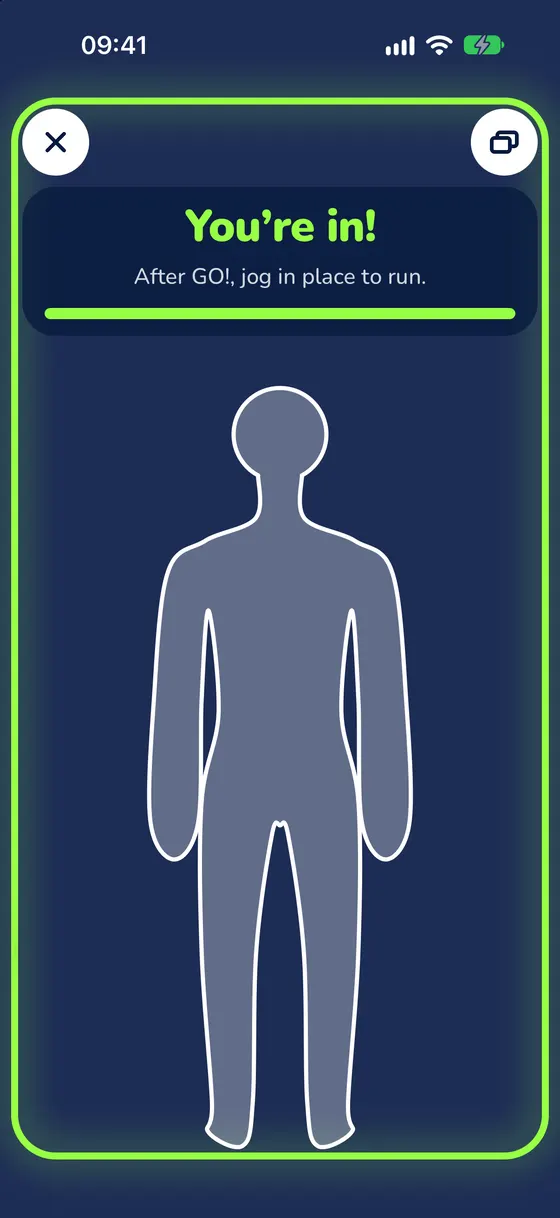
A free guided practice teaches every move before your first run. It is hands-free, so you can start standing up.
Lean it on a shelf or put it on a stand at about waist height, with the front camera facing you.
Fit your whole body in the frame. A bright room helps.
Jog in place to run. Jump, duck, step and punch to dodge what comes at you.
Pick a move. See what your body does, then what the game asks for.
Jump over hurdles and barriers.
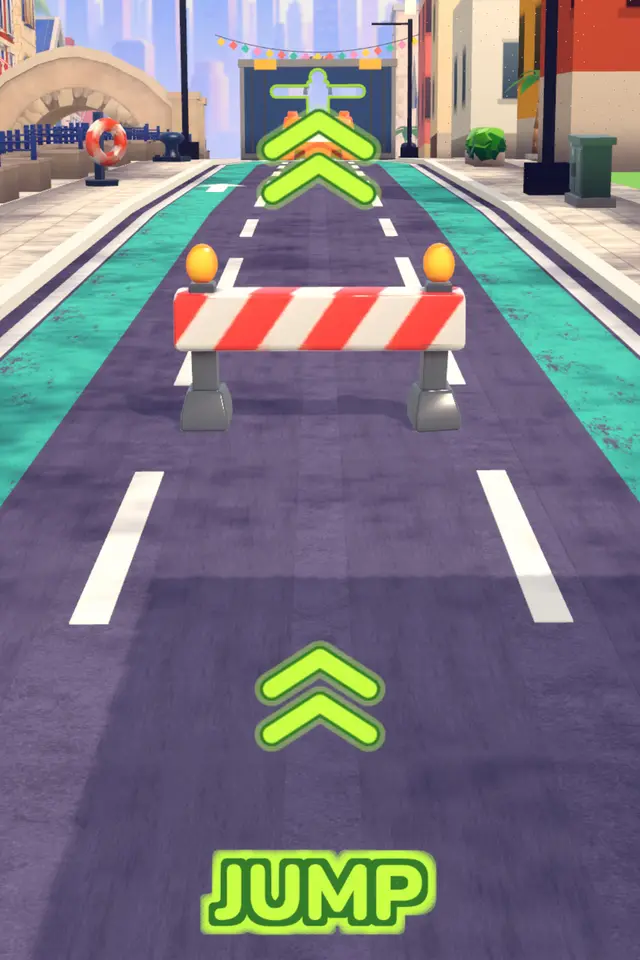
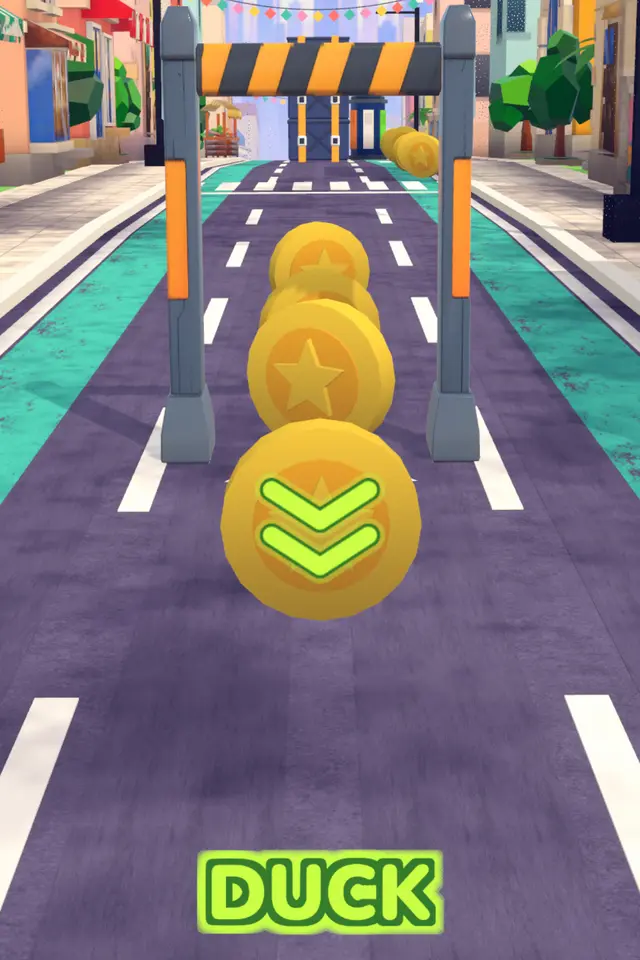
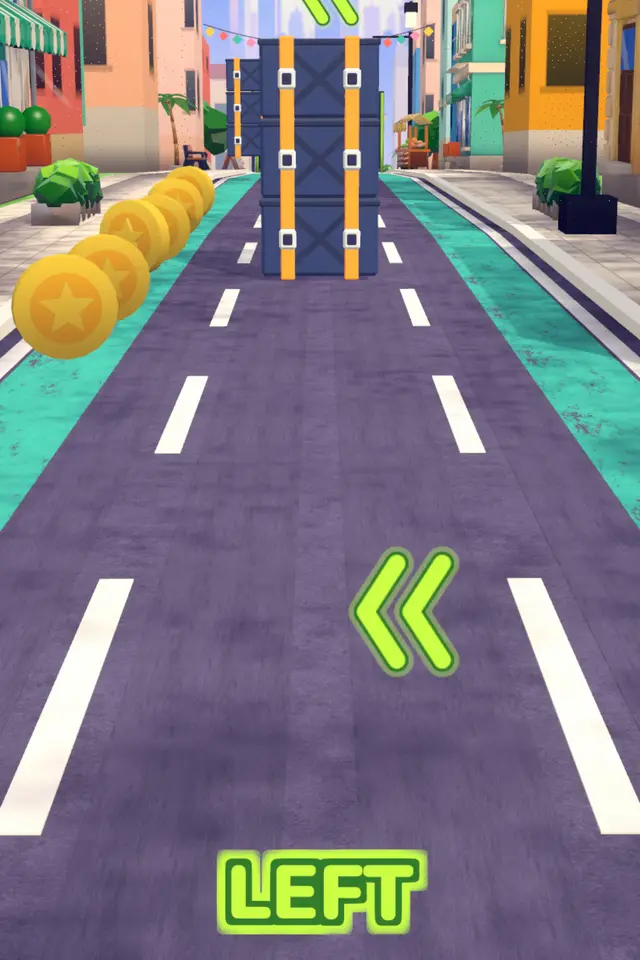
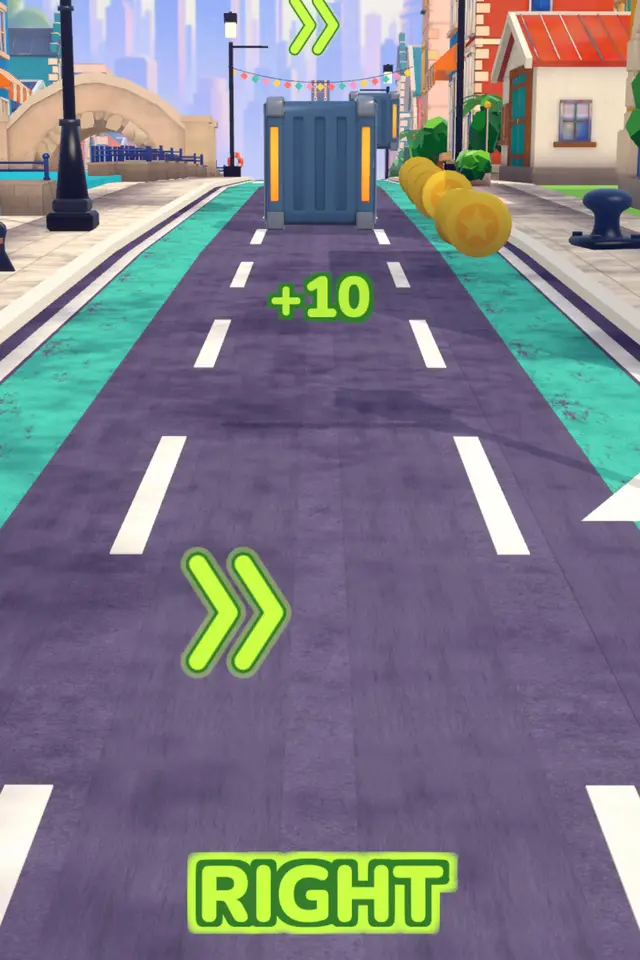
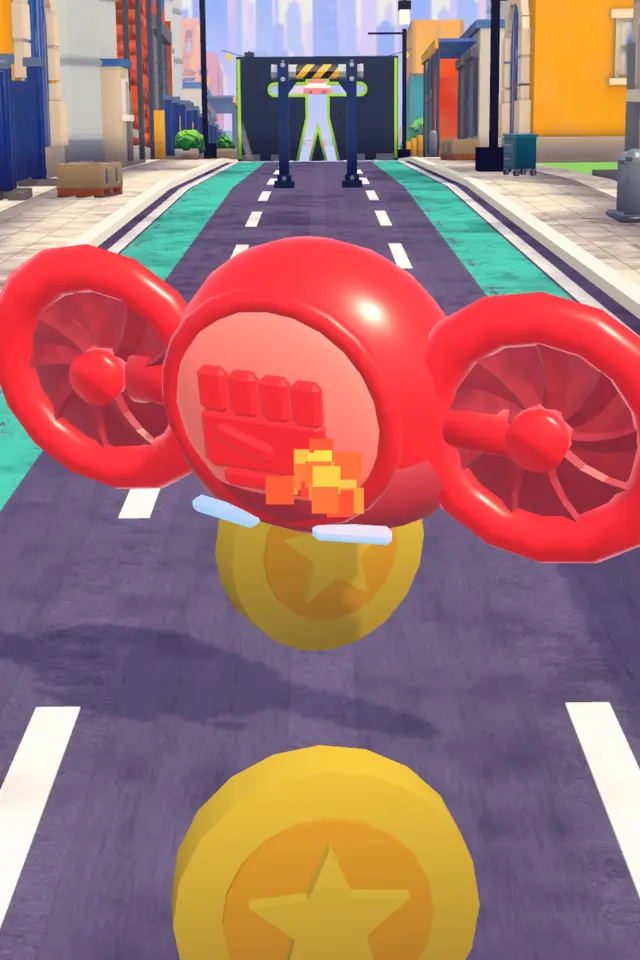
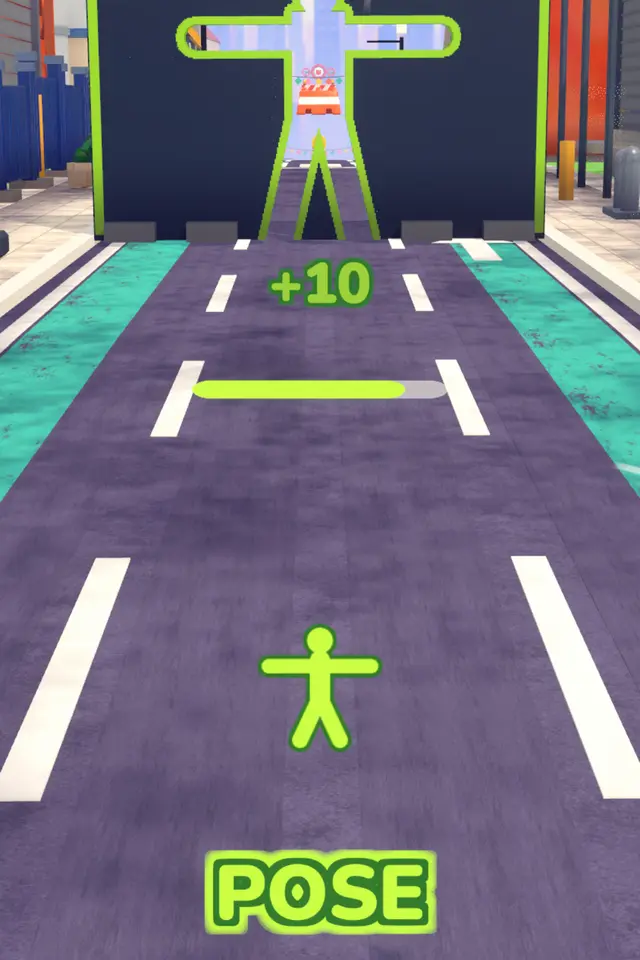 Game
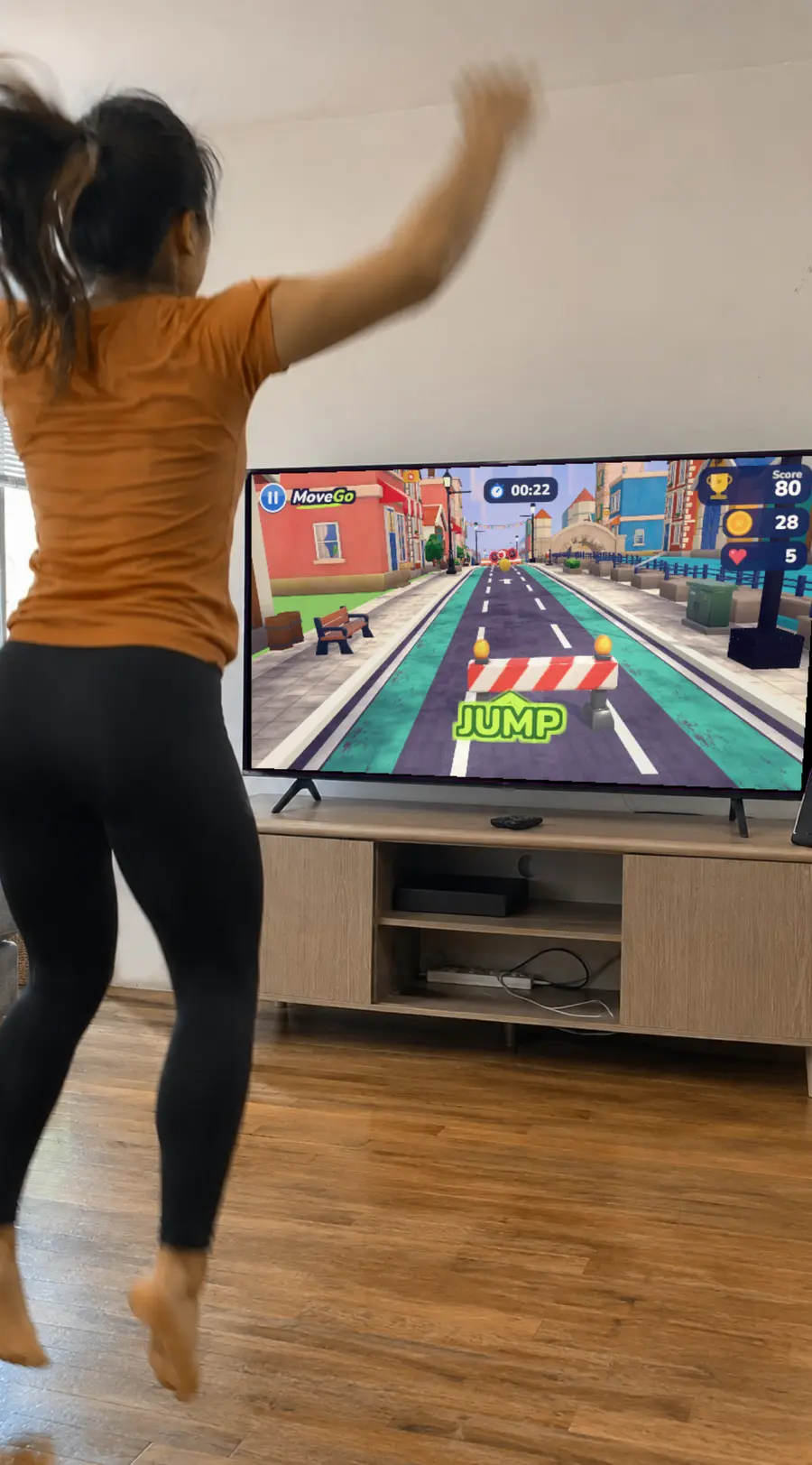
The phone alone is enough. If you want a bigger screen, mirror your iPhone to a TV with Screen Mirroring (AirPlay).
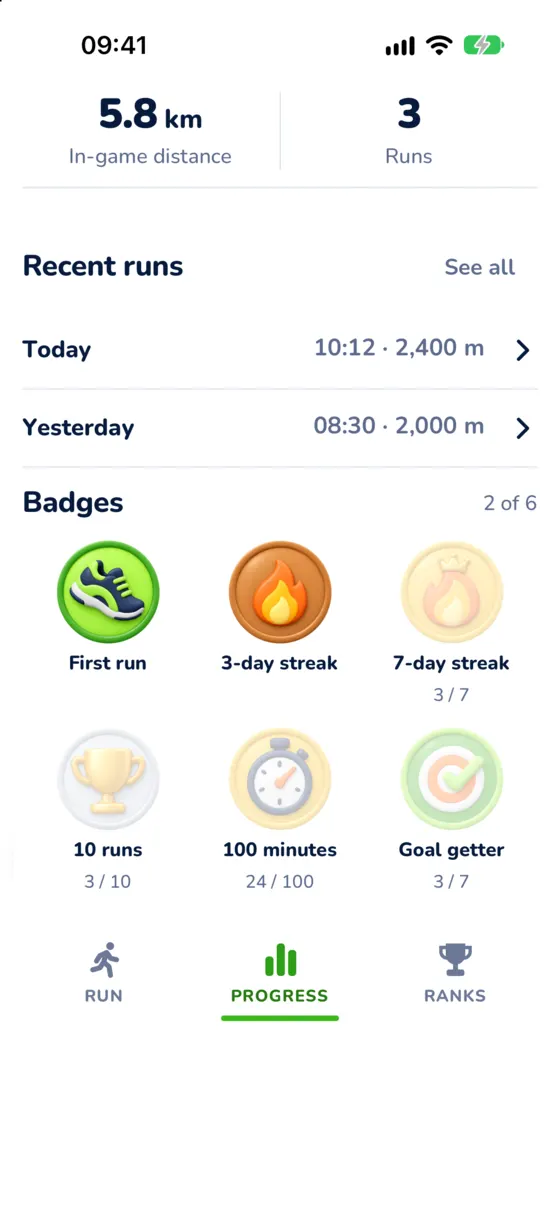
Short runs add up. MOVEGO keeps count for you.
Track active minutes, distance and your daily streak.
Earn badges for your first run, streaks and total minutes.
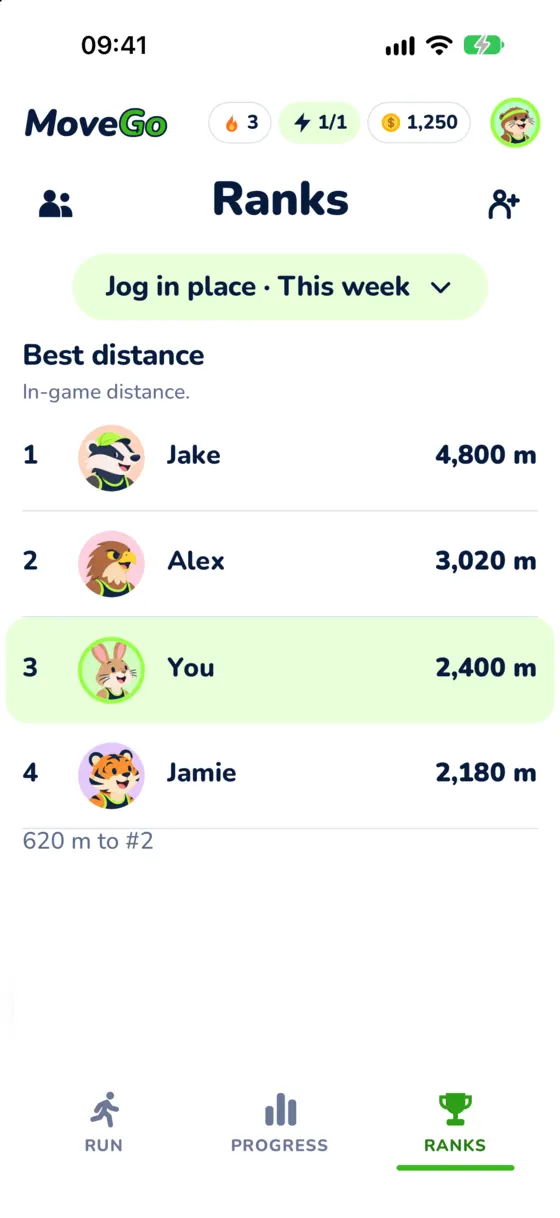
Climb the weekly Friends rank and see who covered the most distance.
Play as a guest, or sign in with Apple to keep your progress on any device.
MOVEGO uses the front camera to see your moves. It does that on your phone.
Pose detection runs on your iPhone, not on a server.
Camera images and video are not uploaded, saved or shared.
Start as a guest. Sign in with Apple only if you want to keep progress across devices.
Everything you need to try it
For people who play every day
Prices and any free trial are shown in the app before you buy. Cancel any time in iOS Settings → your name → Subscriptions → MOVEGO.
With a front camera, on iOS 16.4 or later. MOVEGO is iPhone only.
Clear the floor around you. Stand 2–3 m back from the phone.
A shelf, stand or tripod at about waist height.
Use a bright room and avoid a strong light behind you.
Play safely. Use a non-slip floor. Stop if you feel pain, dizziness or shortness of breath. Ask a doctor first if you have a health condition or are pregnant. Children should play with an adult nearby. MOVEGO is a game: calorie and distance numbers are estimates, not medical advice. Rated 12+.
No. You need an iPhone with a front camera. Your body is the controller. A TV is optional.
No. Pose detection runs on your phone. Camera images and video are never uploaded, saved or shared.
Clear about 2 meters around you. Prop the phone up at waist height and stand 2–3 meters back, so your whole body is in view.
It is free to start. Free players get 1 energy every day, and each run uses 1 energy. You can earn more with coins and invites. MOVEGO Plus removes the energy limit.
No. Play as a guest. Sign in with Apple if you want to keep your progress on any device.
Mirror your iPhone to a TV with Screen Mirroring (AirPlay). Your phone camera still tracks you, so stand 2–3 meters back from the phone.
It shows estimates of active calories and distance. They are not medical advice.
Yes, if you turn it on. Apple Health is optional and write-only: MOVEGO can save your workouts there and does not read your health data.
No. MOVEGO is for iPhone only.
To cancel, open iOS Settings → your name → Subscriptions → MOVEGO.
To delete your account, open Settings in the app, tap your profile and choose Delete account. More help is on the Support page.
MOVEGO is rated 12+. Children should play with an adult nearby.

MOVEGO is free to start. Prop up your phone and play your first run.